
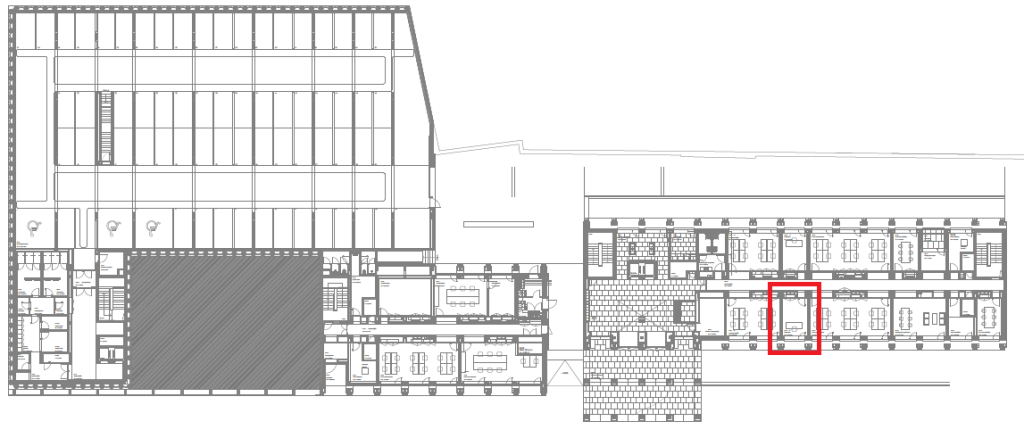
ED4-A009
OPERATING INSTRUCTIONS
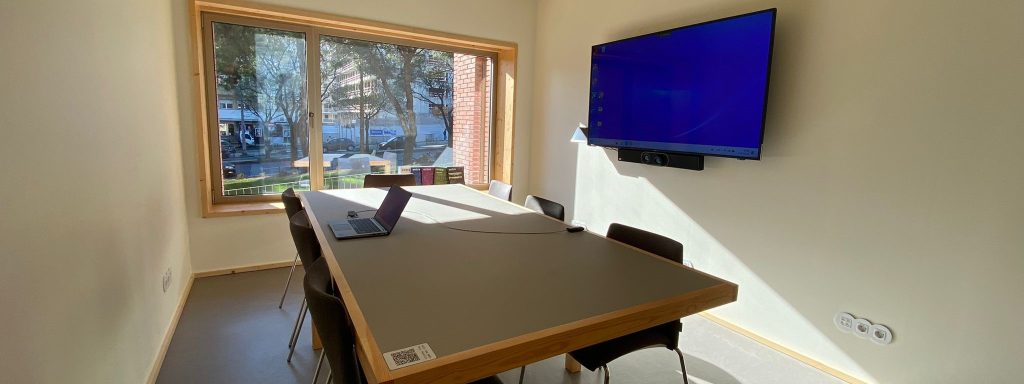
WARNING: The monitor and collaboration bar, with built-in video camera, microphone and speaker, are ready for use and MUST NOT BE TURNED OFF at their respective power buttons.
- Connect the Yealink WPP30 dongle to the computer’s USB/USB-C port. Wait for the “Yealink Wireless Presentation Pod” software to appear on the screen.

- Start sharing content by clicking the button on the dongle or via the software.
- In the software, choose or cancel “BYOD” mode (Bring Your Own Device).TIP: Choose “BYOD” mode if you want to use your device to host or join a Zoom or Teams meerting.
- Finish sharing by clicking the button on the dongle or via the software and remove the dongle from the computer.
Display 65″
- Operating hours: 16/7
- Brightness [cd/m²]: 350
- Resolution: 3840 x 2160
Collaboration Bar
- Touch Panel
- 2 Video Cameras
- 1 Optical camera with 10X hybrid zoom
- 1 4K camera with 120° field of view
- Automatic framing
- Speaker tracking
- Picture in Picture
Microphones and Speakers
- 8 Sets of MEMS microphones and speakers built into the Yealink MeetingBar.
Wireless Presenter
Head to My Booking (Use Iscte-IUL credentials, eg., xxnes@iscte-iul.pt)

- Connect the WPP30 to the USB-A port on the endpoint.
- . Disconnect the WPP30 after the monitor prompts “
Wireless Presentation Pod is Paired successfully ”.