
How to create extra/replacement class in Fénix +?
Target Audience: Iscte-IUL Teachers
Answer/Solution:
Open a browser (Chrome, Firefox, Edge, Safari, Opera…)
- Go to https://fenix-mais.iscte-iul.pt/
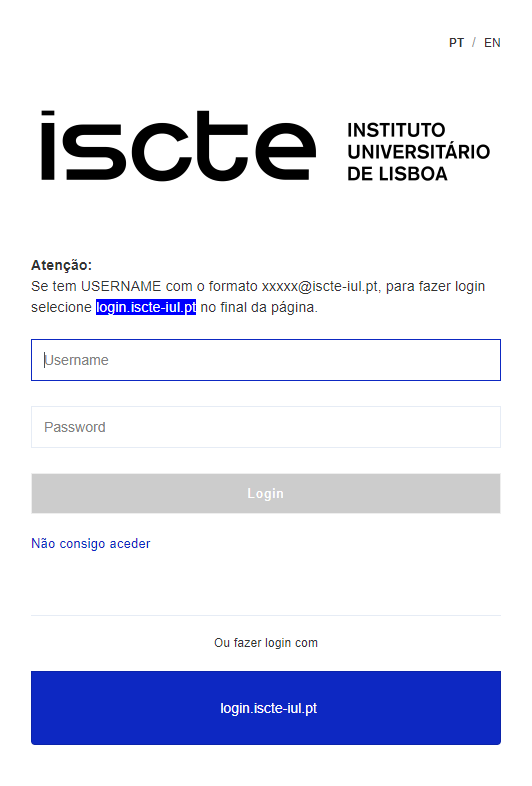
- If you have Iscte account credentials in the format xxnes@iscte-iul.pt and the corresponding password, click on “login.iscte-iul.pt” and log in using your Iscte account credentials (e.g., xxnes and the corresponding password).
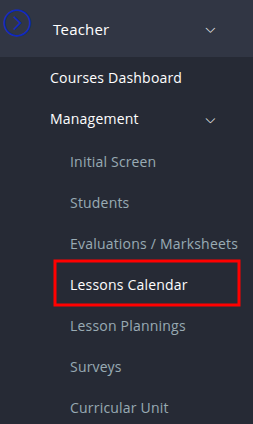
- In the “Teacher” tab, select “Management” → “Lessons Calendar” → “Courses Dashboard“’ → “Manage“.
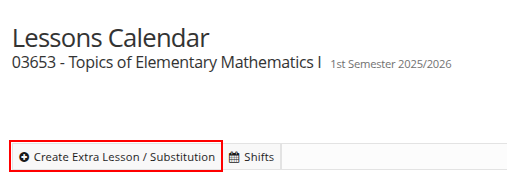
- Click on “Create Extra Lesson/Substitution“.
- Fill in at least the mandatory fields (*) and the fields referring to “Room Requirements” in the “Create Extra Lesson / Substitution” window and click on “Create“.
- Click on “Save“.
Futher Information: