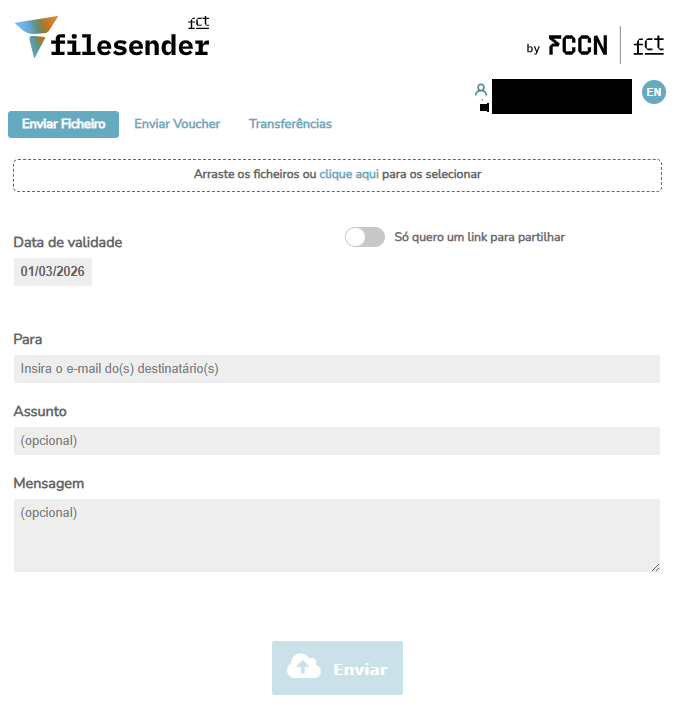
How to Access Filesender?
Público Alvo: Iscte Community
Answer/Solution:
- Open a browser (Chrome, Firefox, Edge, Safari, Opera…)
- Go to https://filesender.fccn.pp/.
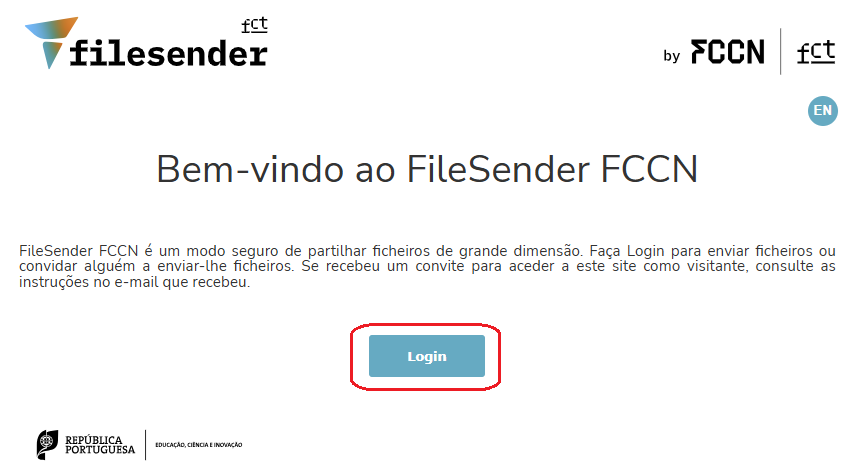
- Click Login.
- Search and select Iscte.
- Log in with Iscte credential (e.g., xxnes@iscte-iul.pt and password).
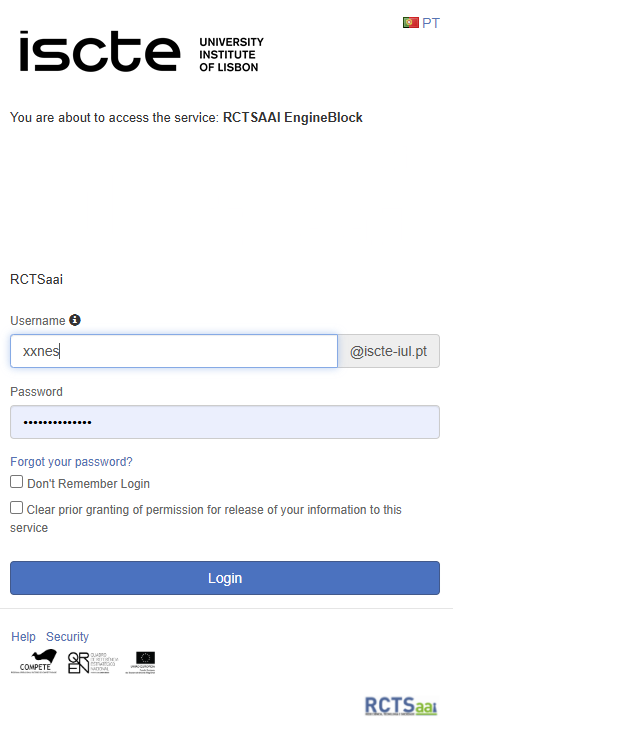
- Click Login.