
Stata

-
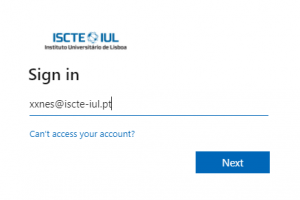
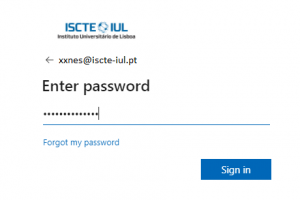
- Get the software here, using the Iscte account credentials (e.g., xxnes@iscte-iul.pt and their password).
- Select the “Windows (64-bit)” folder and click “Download“.
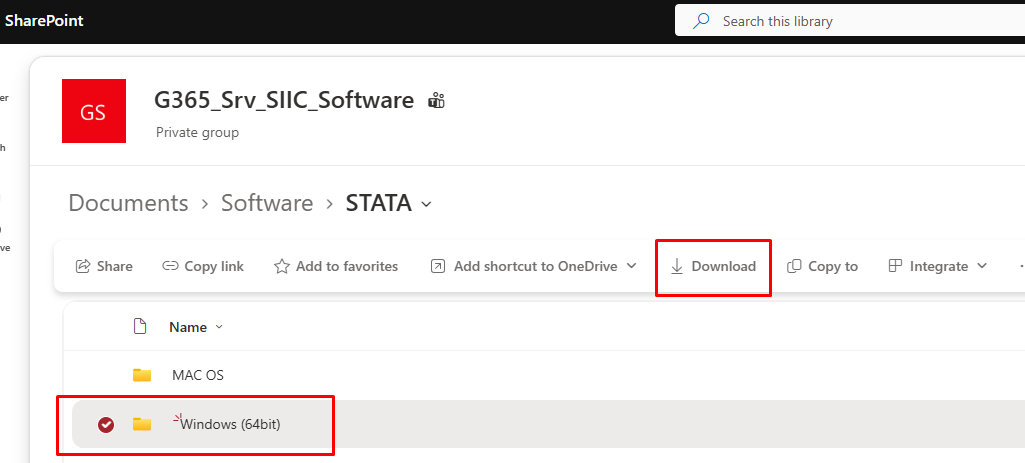
- Confirm that you have obtained the “SetupStataNow19.exe” and “STATA.LIC” files.
- Get the software here, using the Iscte account credentials (e.g., xxnes@iscte-iul.pt and their password).
- Get the software here, using the Iscte account credentials (e.g., xxnes@iscte-iul.pt and their password).
- Select the “MAC OS” folder and click “Download“. Authorize downloading by clicking “Allow“.
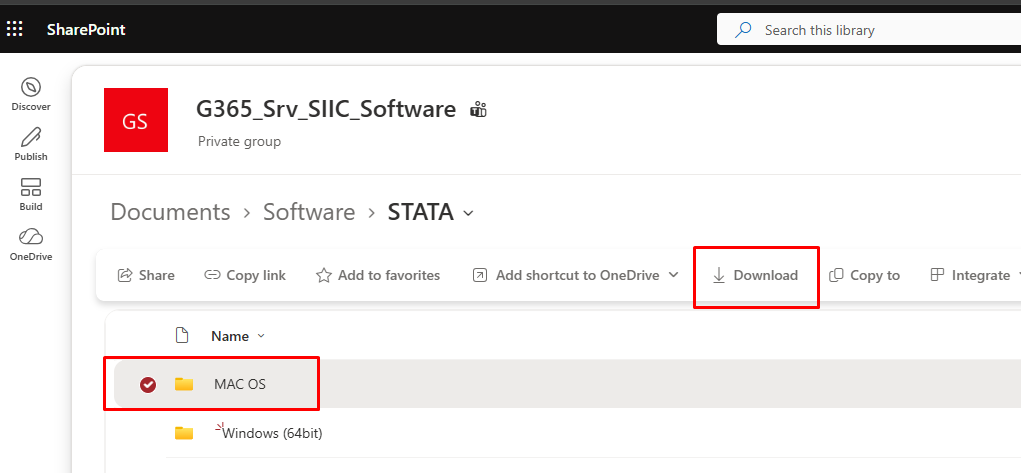
- Confirm that you have obtained the “StataNow19.dmg” and “STATA.LIC” files
-
- Run the installation file “SetupStataNow19.exe“.
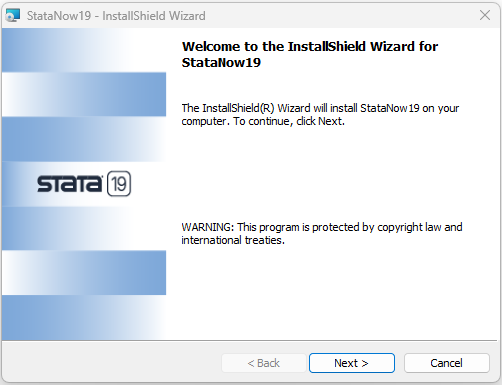
- In the “Welcome to the InstallShield Wizard for StataNow19” window, click “Next“.
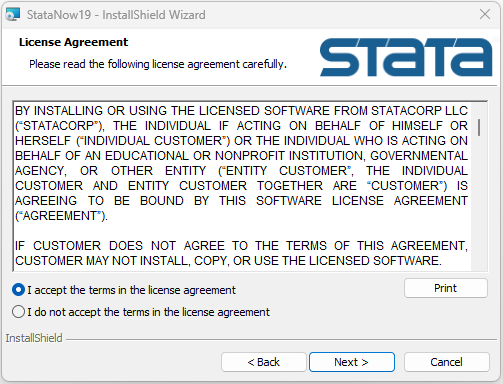
- Choose the option “I accept the terms in the license agreement” and click “Next“.
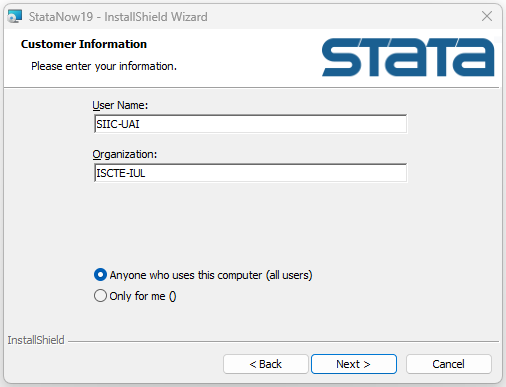
- Choose the option “Anyone who uses this computer (all users)” and click “Next“.
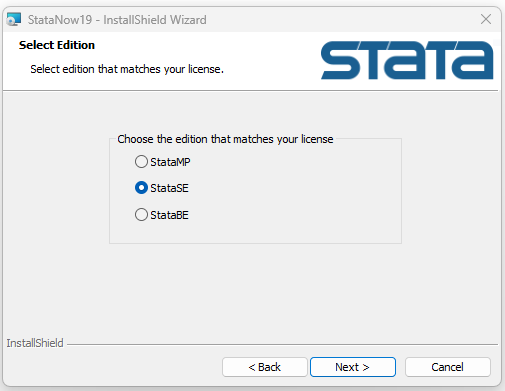
- Choose the “StataSE” option and click “Next“.
- Click “Next“.
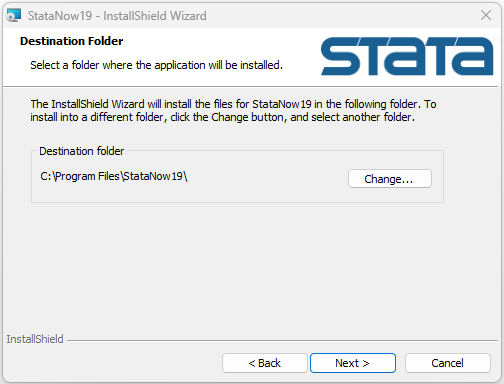
- Choose the option “Use each user´s documents folder” and click “Next“.
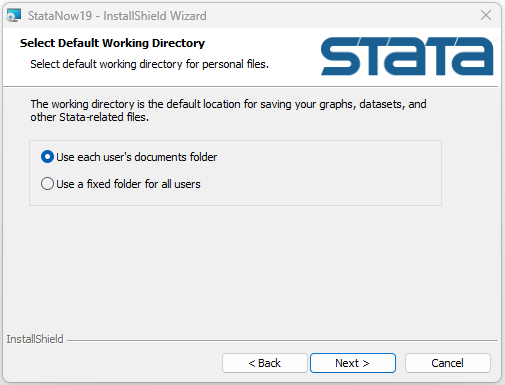
- Click “Install“.
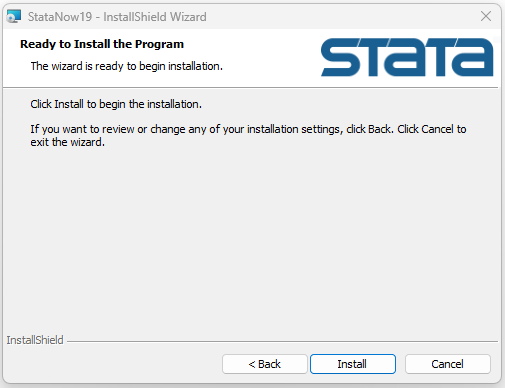
- Click “Finish“.
-
- Run the installation file “StataNow19.dmg“.
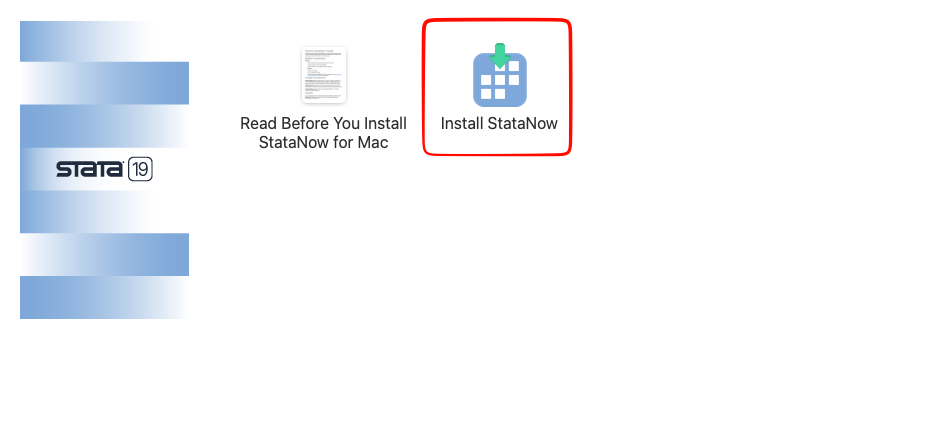
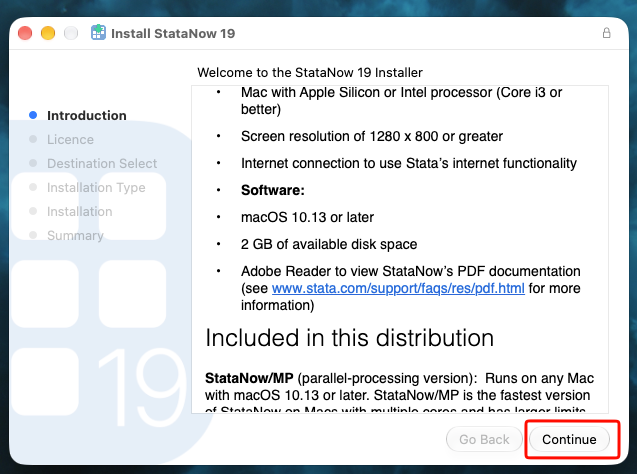
- In the window “Welcome to the StataNow 19 Installer“, click “Continue“.
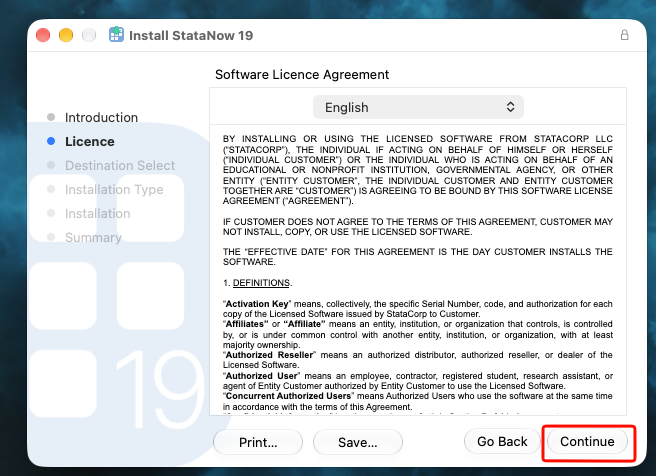
- In the window “Software License Agreement“, click “Continue“.
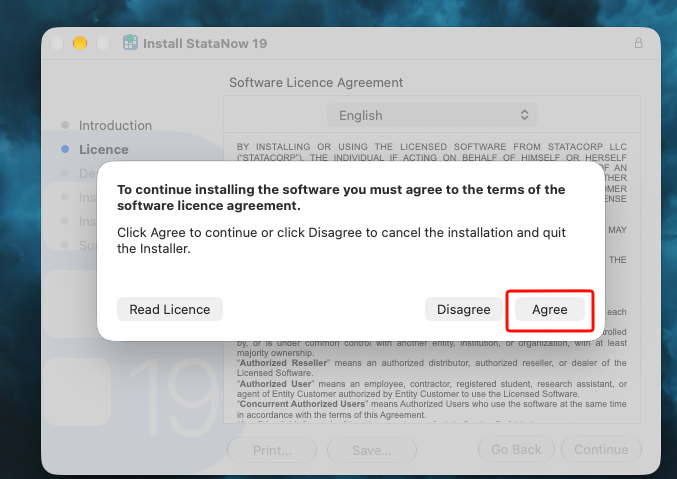
- Click on “Agree“
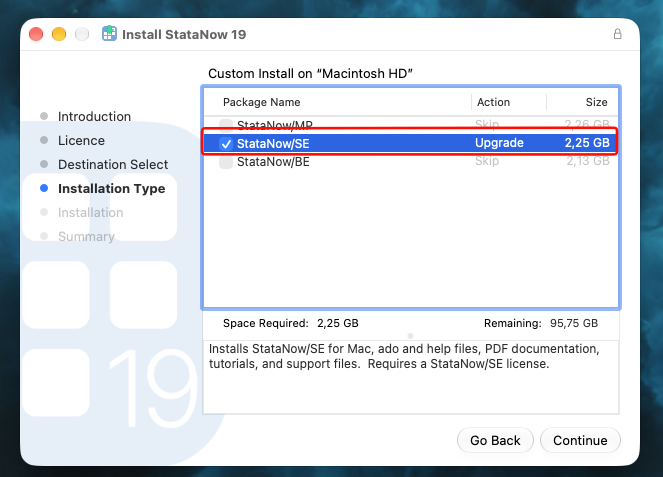
- Choose the “StataNow/SE” option and click “Continue“.
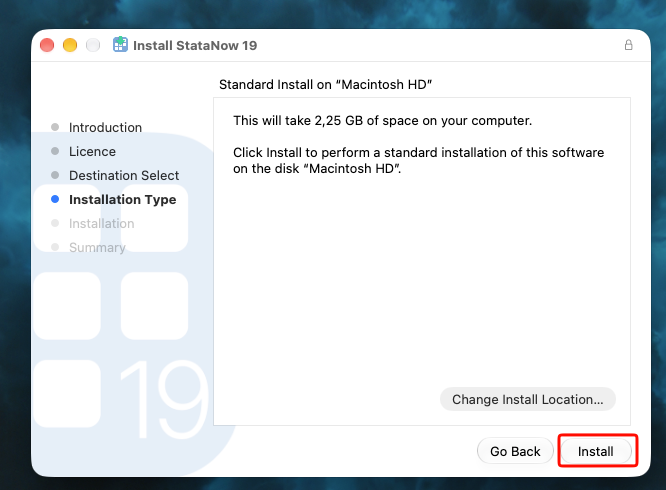
- Click “Install“.
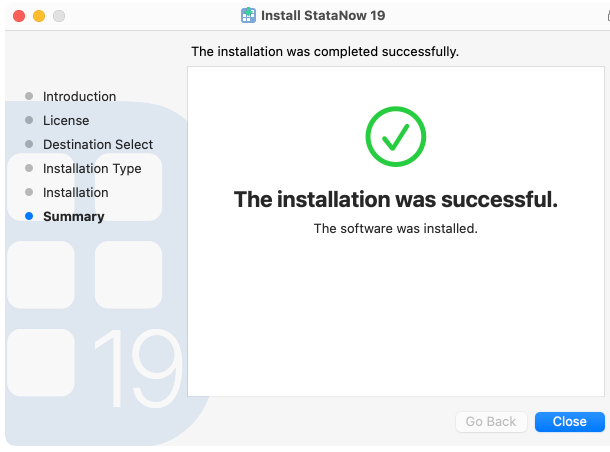
- After installation process, click “Close“.
- Run the installation file “StataNow19.dmg“.