Stata 18 is the latest version of the powerful statistical software package used for data analysis, data management, and graphics. Here are some of the key features and enhancements introduced in Stata 18: Bayesian Model Averaging (BMA), Causal Mediation Analysis, Enhanced Graphing Capabilities, Advanced Statistical Methods, Improved Data Management, Reporting Enhancements.
Combining comprehensive analytics, ease of use, and high scalability, it supports complex data-driven projects across multiple disciplines.
1. How do I get the Windows version?
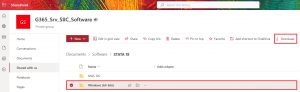
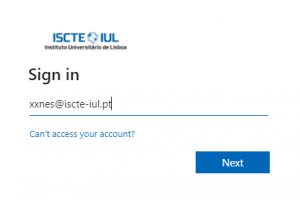
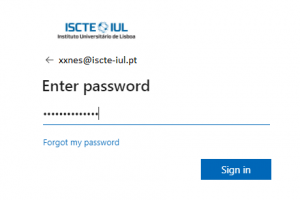
Get the software here, using the Iscte account credentials (e.g., xxnes@iscte-iul.pt and their password).
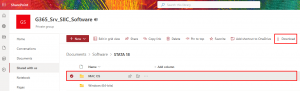
Select the “Windows (64-bit)” folder and click “Download“.
Confirm that you have obtained the “SetupStata18.exe” and “STATA.LIC” files.
2. How do I get the MacOSX version?
Get the software here, using the Iscte account credentials (e.g., xxnes@iscte-iul.pt and their password).
Select the “MAC OS” folder and click “Download“. Authorize downloading by clicking “Allow“.
Confirm that you have obtained the “Stata18.dmg” and “STATA.LIC” files
3. Windows Installation
Run the installation file “SetupStata18.exe“.
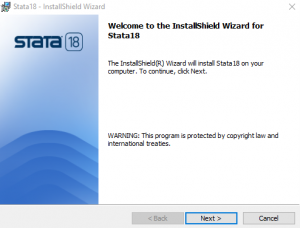
In the “Welcome to the InstallShield Wizard for Stata18” window, click “Next“.
Choose the option “I accept the terms in the license agreement” and click “Next“.
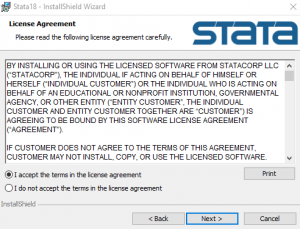
Choose the option “Anyone who uses this computer (all users)” and click “Next“.
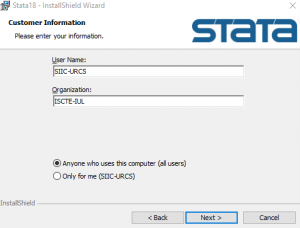
Choose the “StataSE” option and click “Next“.
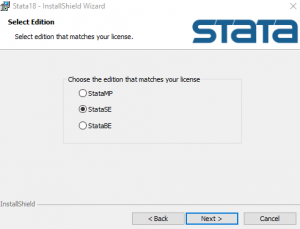
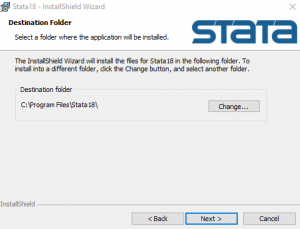
Click “Next“.
Choose the option “Use each user´s documents folder” and click “Next“.
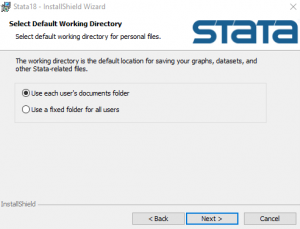
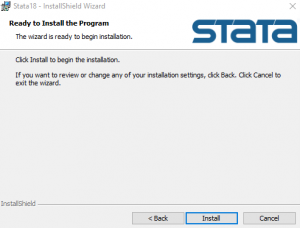
Click “Install“.
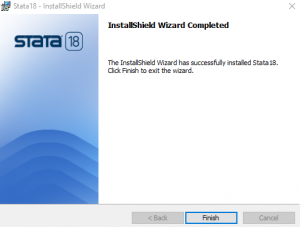
Click “Finish“.
4. MacOSX Installation
Run the installation file “Stata18.dmg“.
In the window “Welcome to the InstallShield Wizard for Stata18“, click “Next“.
Choose the option “I accept the terms in the license agreement” and click “Next“.
Choose the option “Anyone who uses this computer (all users)” and click “Next“.
Choose the “StataSE” option and click “Next“.
Click “Next“.
Choose the option “Use each user´s documents folder” and click “Next“.
Click “Install“.
Click “Finish“.
5. Licensing
Windows
Copy the file “STATA.LIC” to the folder “C:\Program Files\Stata18“.
Run STATA to confirm that the program has been properly installed/licensed.
License renewal: copy the file STATA.LIC (which is in the same location) and replace the previous license file.
MacOSX
Copy the file “STATA.LIC” to the folder Stata18.
Run STATA to confirm that the program has been properly installed/licensed.
License renewal: copy the file STATA.LIC (which is in the same location) and replace the previous license file.