Skip to content Skip to main navigation Skip to footer

Microsoft Azure

PT

The Microsoft Azure platform provides the Iscte community with access to a wide range of academic software, development tools, and cloud services.

Students, faculty, and researchers can use specialized applications, programming environments, virtual machines, and AI resources to support teaching, research, and innovation projects.

Azure also enables the creation and management of cloud‑based solutions, application testing, and exploration of advanced technologies at no additional cost under educational licenses.

This offering helps users develop technical skills and complete academic work using professional‑grade, enterprise‑level resources.

How to Access Microsoft Azure?


    1. Open a browser (Chrome, Firefox, Edge, Safari, Opera…).
    2. Go to https://signup.azure.com/studentverification?offerType=3
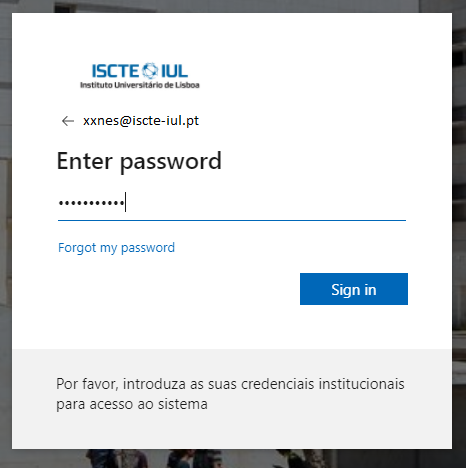
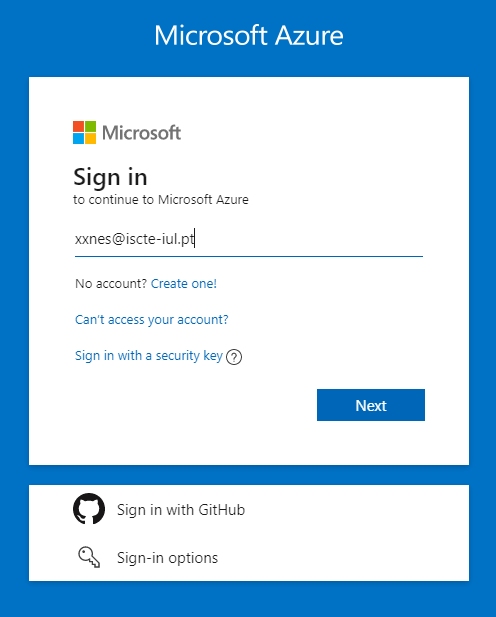
    3. Authenticate using Iscte credentials (e.g. xxnes@iscte-iul.pt and password).
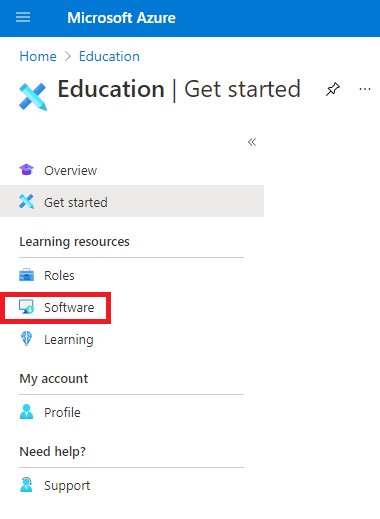
    4. Follow the “Software” link.

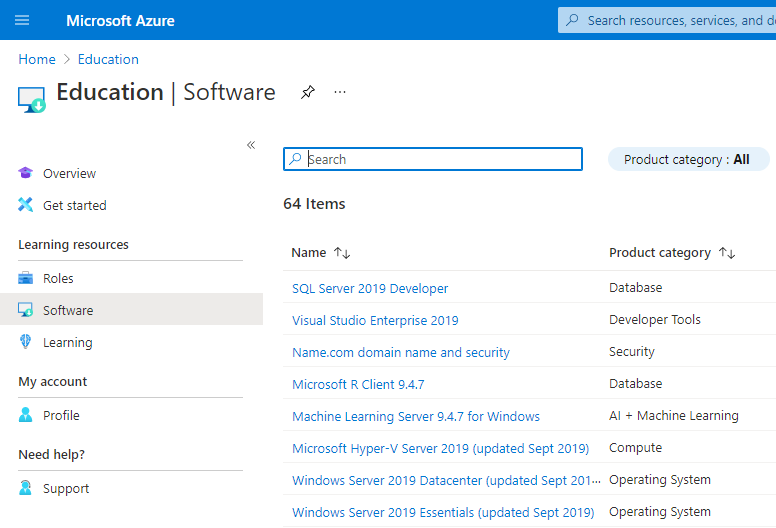
    5. Scroll through the software list or use the “Search” field.
    6. Use the “Download” button to download and install the desired application.
    7. Use the “View Key” button to get the key.
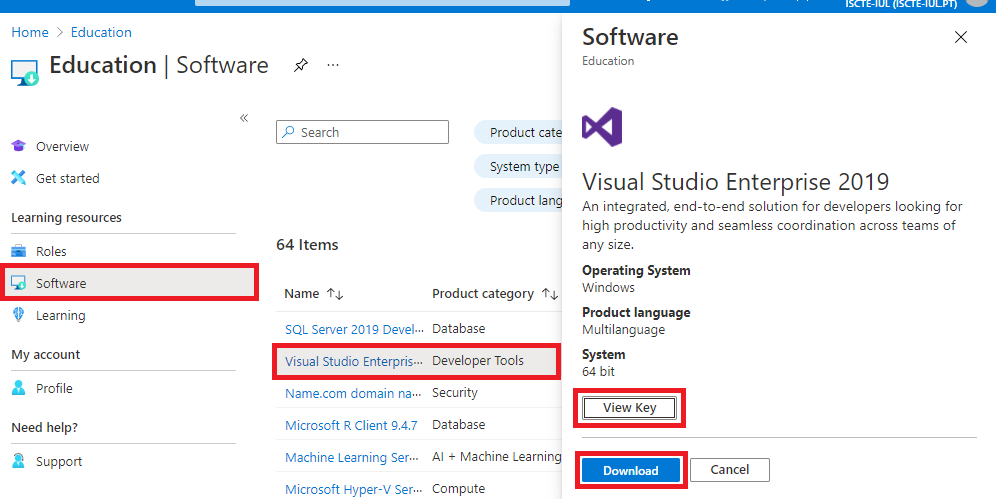
Software List

    • Agentes para o Visual Studio
    • Azure DevOps Server
    • Hyper-V
    • Cliente R
    • R Server
    • Ferramentas Remotas para o Visual Studio
    • Skype para Empresas Server
    • SQL Server Developer
    • SQL Server Mobile Report Publisher
    • SQL Server Standard
    • System Center
    • Visio Professional
    • Visual Studio Code
    • Visual Studio Community
    • Visual Studio para Mac
    • Windows Server

Learn More...

FAQ